CompTIA A+ Study Prep
Study 202 native IT-support questions across nine domains, with source core filters, five practice modes and flashcards.
Your app workspace
- Core 1/Core 2 source banks with domain-focused practice
- Full, half, untimed and scenario-oriented multiple-choice mocks
- 15 reference sections, eight guides and 30 schematic diagram types
- Saved sessions, flagged review, bookmarks, notes and backups
Designed for a browser on iPhone, iPad, Android and desktop. Add it to your Home Screen and prepare its files for offline use. Local work is stored on the device you use.
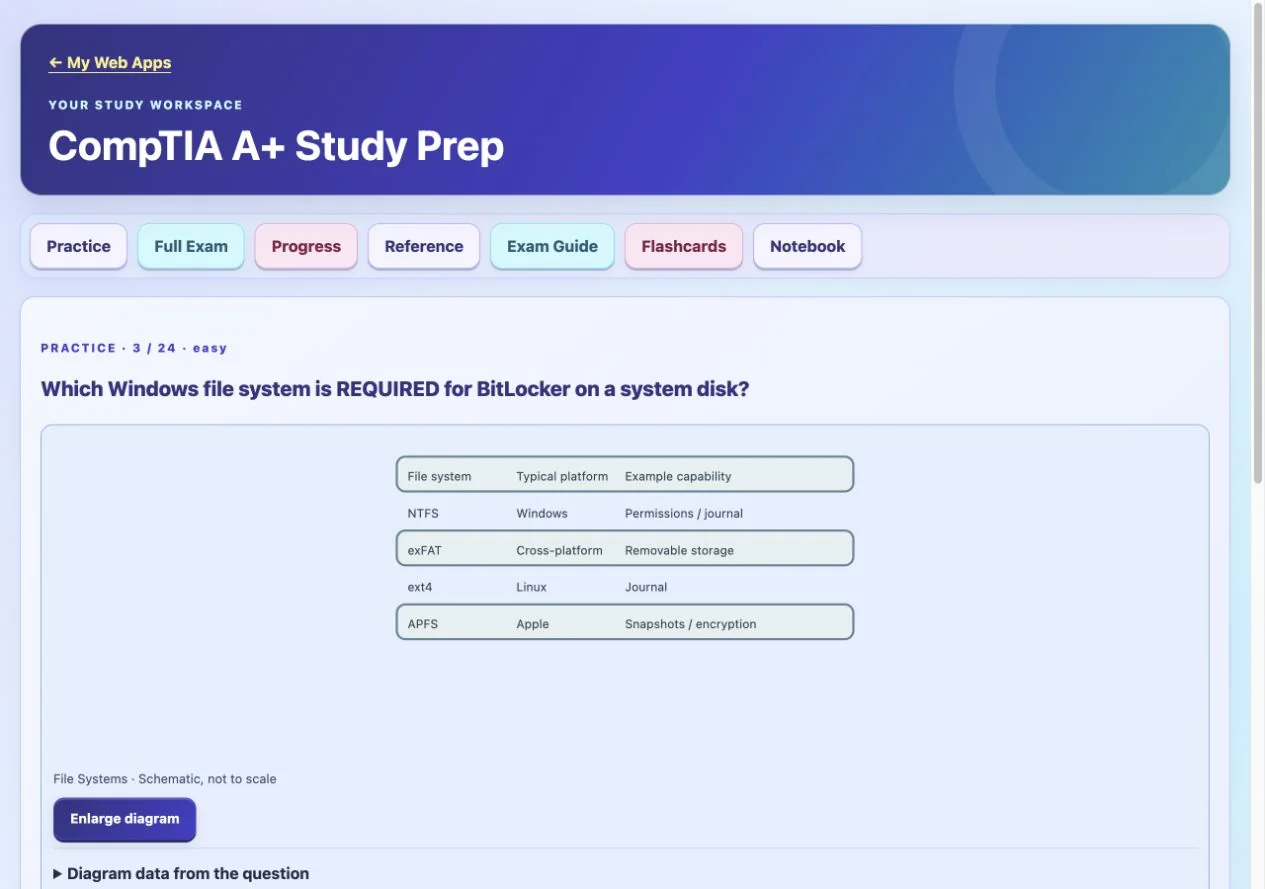
Actual Web App preview. Your inputs, projects or progress are saved in your own workspace on this device.
Get CompTIA A+ Study Prep
Your purchase unlocks CompTIA A+ Study Prep.
$1.99
One-time payment. No account or sign-in code required.
No subscription. No renewal charges.
After payment, open this Web App on this device. Save the private recovery code shown after payment: you need it and your purchase email to restore or transfer access. One active browser/device per app purchase.
Already purchased? Restore or transfer access
Use your Stripe purchase email and the private recovery code saved after payment. Email alone does not unlock a purchase. Restoring registers this browser and replaces previous-device online access.
Lost your code? Contact us with your purchase receipt.
Apps FAQ — purchases, installation, recovery and AI support →
Learning and planning tools for educational use.
About this Web App
What does CompTIA A+ Study Prep include, and what changed from the native source?
Study 202 native IT-support questions across nine domains, with source core filters, five practice modes and flashcards. Retains all 202 source questions across nine domains, combining both core banks and extra/bonus maps. The native bank follows older 220-1101/1102 objectives and is not complete current 220-1201/1202 coverage. Current official objectives are linked in the reference section. The scenario mock is multiple choice, not an interactive performance-based assessment. Adds flashcards, saved study sessions, notes and backups. Native icon reused; no galleries copied.