Drawing Review Assistant
Review PDFs and photos with calibrated measurements, local text recognition, component tags, punch lists, quantities and visual revision comparisons.
Your app workspace
- PDF and image imports, pinch/drag navigation and local English text recognition
- Calibrated distance, area and count tools with 49 symbol types across 11 disciplines
- Saved markup, review notes, resolved punch items and unit-correct project takeoffs
- Revision heatmaps, offline review assistant, print reports and complete drawing backups
Designed for a browser on iPhone, iPad, Android and desktop. Add it to your Home Screen and prepare its files for offline use. Local work is stored on the device you use.
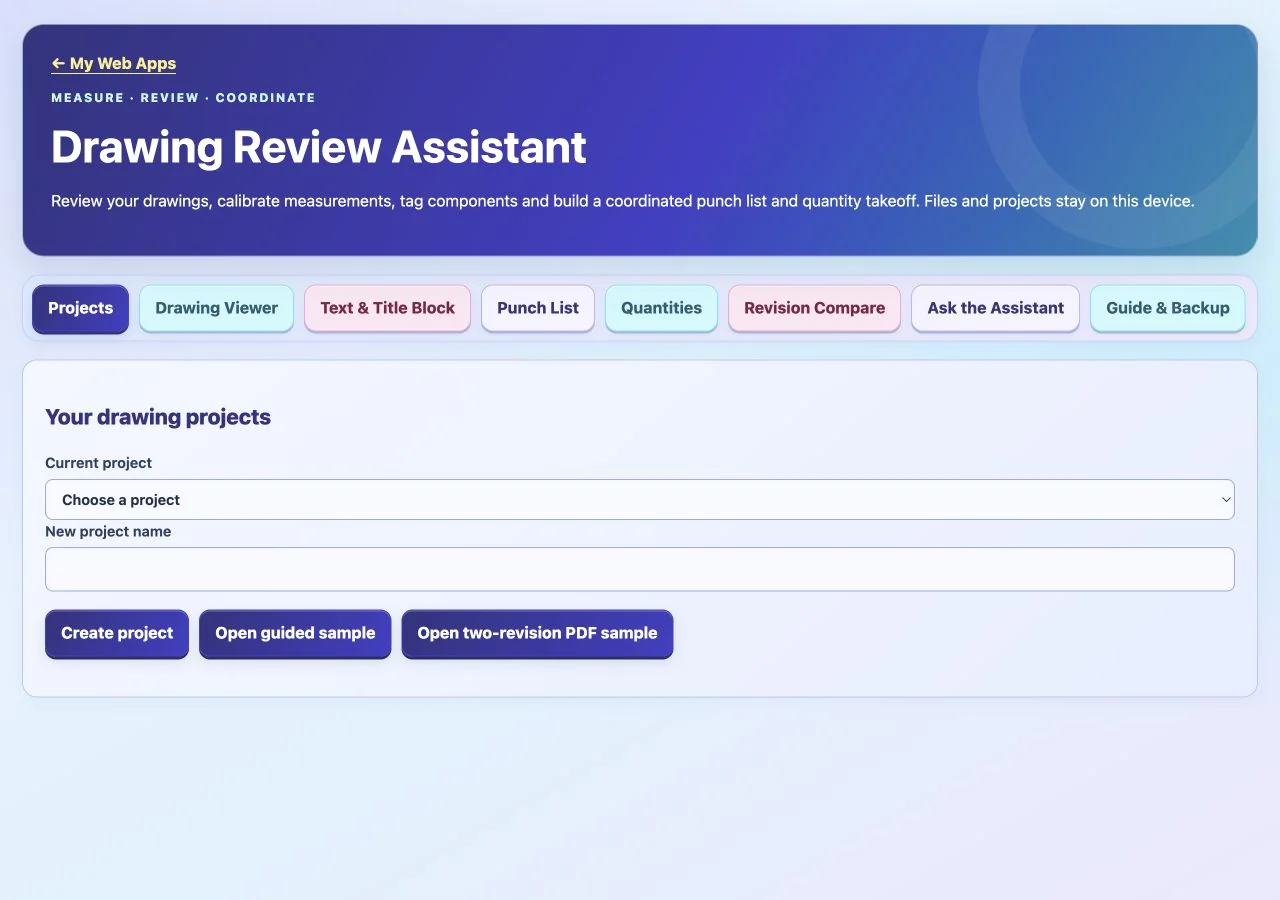
Actual Web App preview. Your inputs, projects or progress are saved in your own workspace on this device.
Get Drawing Review Assistant
Your purchase unlocks Drawing Review Assistant.
$1.99
One-time payment. No account or sign-in code required.
No subscription. No renewal charges.
After payment is confirmed, open this Web App on this device. Save the private recovery code shown after payment: you need it and your purchase email to restore or transfer access. One active browser/device per app purchase.
Already purchased? Restore or transfer access
Use your Stripe purchase email and the private recovery code saved after payment. Email alone does not unlock a purchase. Restoring registers this browser and replaces previous-device online access.
Lost your code? Contact us with your purchase receipt.
Apps FAQ — purchases, installation, recovery and AI support →
Learning and planning tools for educational use.
About this Web App
What does Drawing Review Assistant include, and what changed from the native source?
Review PDFs and photos with calibrated measurements, local text recognition, component tags, punch lists, quantities and visual revision comparisons. Retains PDF/image drawing projects, calibrated measurements, markup, 49 symbol definitions, local text recognition, punch lists, quantities, an offline structured-data assistant and visual revision comparison. Adds complete drawing backups, independently reviewed metadata, physical page proportions and explicit reference-point alignment. Corrects mixed-unit/mixed-dimension takeoffs, preservation of resolved review items, NTS being mistaken for north, and the native grid-change fraction being labeled as changed image area. Compact-shape locations and nearby tags remain review candidates, not classified components or proven physical clashes. Browser printing provides PDF reports; source gallery collections are omitted. Imported drawings are stored on this device.