Smart Unit Converter Pro
Convert engineering quantities, recognize measurements from photos, explore formulas and save calculations in project workspaces.
Your app workspace
- 112 units across 14 categories, text queries and batch conversions
- 11 engineering calculators, 20 formulas and 31 material/constant references
- On-device English image text recognition and measurement conversions
- Projects, favorites, backups, offline helper and optional own-key AI providers
Designed for a browser on iPhone, iPad, Android and desktop. Add it to your Home Screen and prepare its files for offline use. Local work is stored on the device you use.
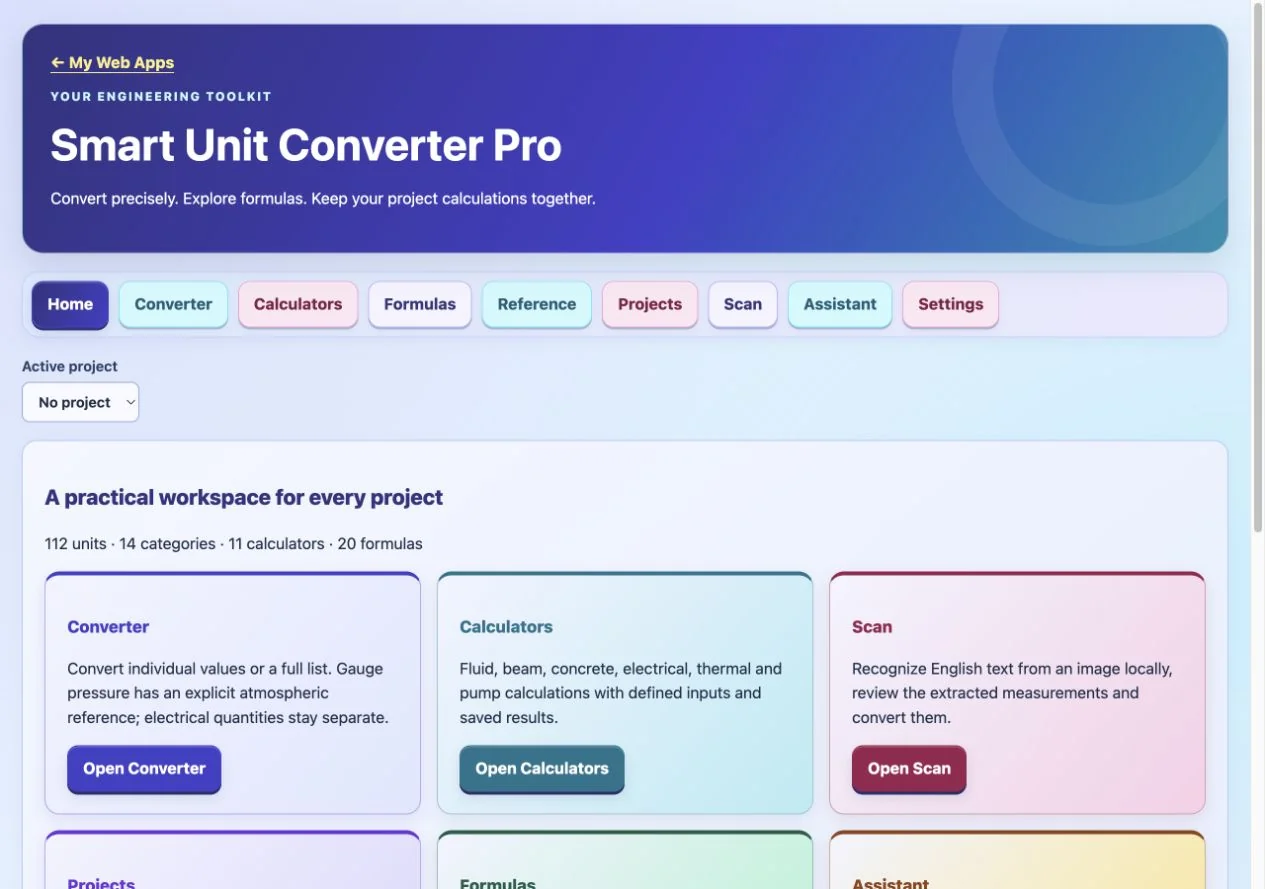
Actual Web App preview. Your inputs, projects or progress are saved in your own workspace on this device.
Get Smart Unit Converter Pro
Your purchase unlocks Smart Unit Converter Pro.
$1.99
One-time payment. No account or sign-in code required.
No subscription. No renewal charges.
After payment is confirmed, open this Web App on this device. Save the private recovery code shown after payment: you need it and your purchase email to restore or transfer access. One active browser/device per app purchase.
AI-enhanced features require your own AI API key. Usage may incur additional charges from your AI service provider.
Already purchased? Restore or transfer access
Use your Stripe purchase email and the private recovery code saved after payment. Email alone does not unlock a purchase. Restoring registers this browser and replaces previous-device online access.
Lost your code? Contact us with your purchase receipt.
Apps FAQ — purchases, installation, recovery and AI support →
Learning and planning tools for educational use.
About this Web App
What does Smart Unit Converter Pro include, and what changed from the native source?
Convert engineering quantities, recognize measurements from photos, explore formulas and save calculations in project workspaces. Retains all 112 native units across 14 categories, all 11 calculators, 20 formulas, 16 materials and 15 constants, plus conversions, favorites, project notes, formula bookmarks, image text recognition, local assistance and six optional customer-key AI providers. Separates incompatible electrical quantities and apparent power, fixes duplicate unit IDs, distinguishes gauge/absolute pressure and pressure differences, and requires explicit conditions for actual/standard gas flow. Corrects concrete bag estimates to use entered premix yield; enforces physical calculator domains and exact phase choices. Adds batch conversion, signed/scientific text input and validated backups. English OCR runs locally using bundled Tesseract instead of Apple Vision. Customer keys stay in page memory, not backups. Model availability depends on the provider account; AI calls require internet and provider billing. Native icon retained; galleries omitted.