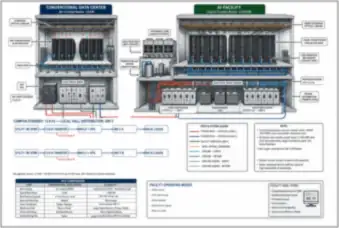
Conventional and AI Data Center Cutaways
Building cutaways compare conventional air-cooled racks with liquid-cooled AI infrastructure and their power and cooling services.
View drawing →Explore AI data center design illustrations of real equipment and spaces: GPU servers, racks, cabling, busways, liquid cooling, data halls and campus layouts.
Public thumbnails · Full-size access with All-Access. View pass options
Campus cutaways, rack delivery, room layouts, expansion and retrofit plans.
Building cutaways compare conventional air-cooled racks with liquid-cooled AI infrastructure and their power and cooling services.
View drawing →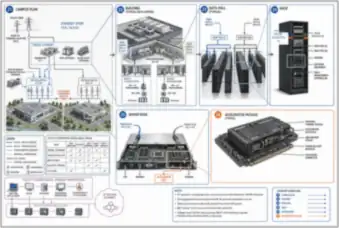
Exploded views connect the physical campus, building, data hall, rack, server and accelerator package.
View drawing →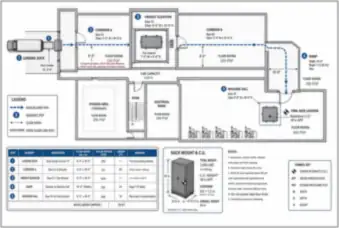
A dock-to-hall delivery plan relates rack dimensions and weight to doors, elevators, thresholds and floor-loading checks.
View drawing →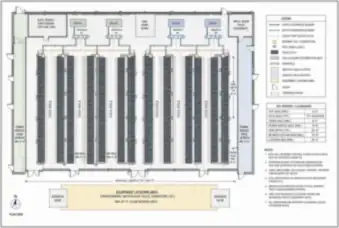
A data hall plan shows rack rows, service aisles, overhead busway, cable trays, CDU positions and equipment access routes.
View drawing →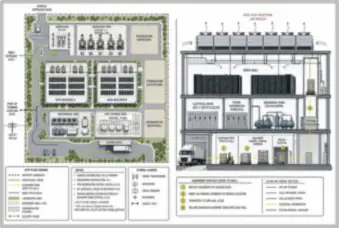
A campus plan and building section relate data buildings, substations, standby generation, cooling yards and the delivery route.
View drawing →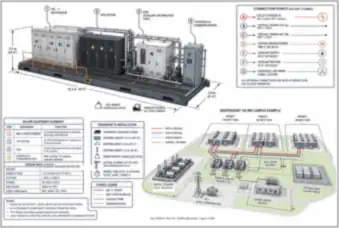
An isometric prefabricated module identifies switchgear, UPS equipment, a CDU and controls alongside a phased campus layout.
View drawing →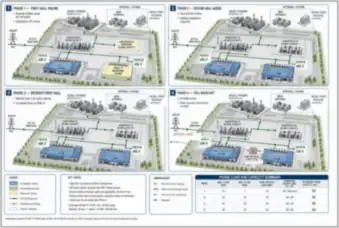
Successive campus plans show data hall expansion, supporting power and cooling equipment, and a district-heat connection.
View drawing →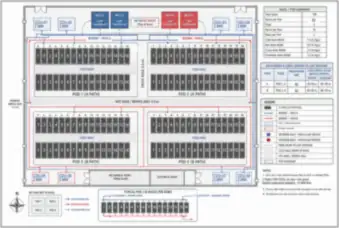
A training-cluster floor plan locates compute racks, network racks, coolant headers and the shared CDU arrangement.
View drawing →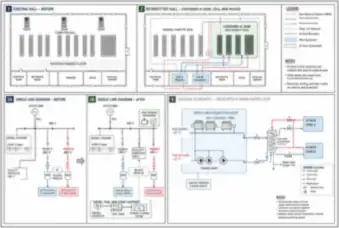
Before-and-after data hall plans show a retrofit with dedicated dry coolers, trim chilling, redundant CDUs and isolated cooling circuits.
View drawing →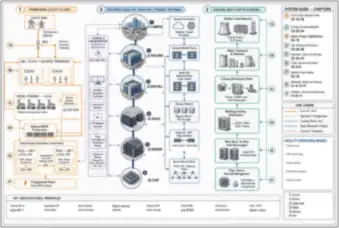
An integrated equipment diagram connects campus, building, data hall, rack, server and chip through power, data, cooling and control paths.
View drawing →Server assemblies, accelerator packages, memory stacks and rack interfaces.
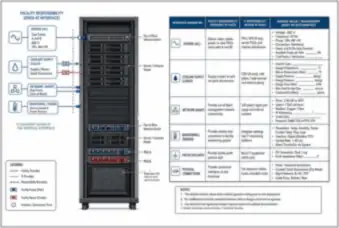
A rack view identifies the power, coolant, network and monitoring interfaces between IT hardware and facility services.
View drawing →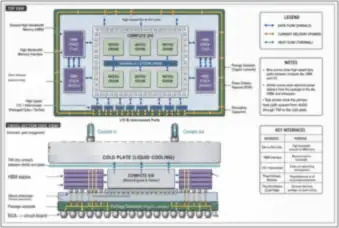
A labeled accelerator package cross-section shows the cold plate, thermal interface, compute die, substrate and board connections.
View drawing →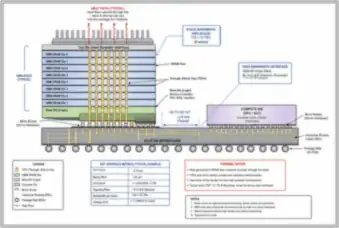
A memory-package cross-section shows stacked HBM dies, through-silicon vias and the interposer beside the compute die.
View drawing →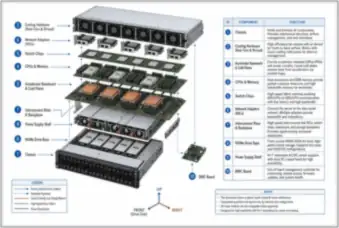
An exploded AI server identifies the chassis, accelerators, cold plates, processors, network adapters, storage and power hardware.
View drawing →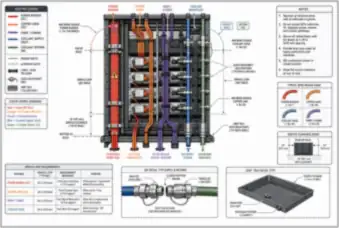
A liquid-cooled rack rear view separates power, copper links, fiber and coolant manifolds, with service loops and drip trays.
View drawing →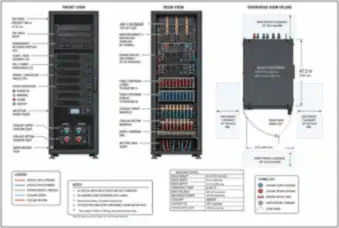
Front, rear and overhead rack views show cooling connections, segregated power paths and configurable cable entry.
View drawing →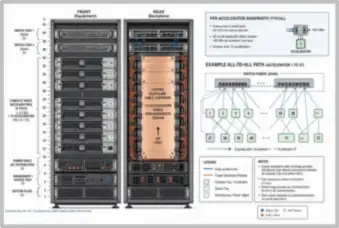
A rack elevation identifies compute trays, switch trays, power shelves and management hardware in an accelerator assembly.
View drawing →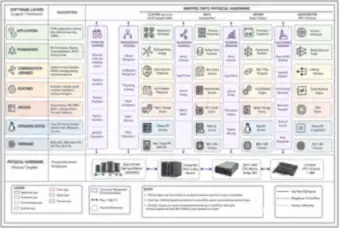
A physical cluster, rack, server and accelerator stack shows where software, firmware, telemetry and facility-control interfaces connect.
View drawing →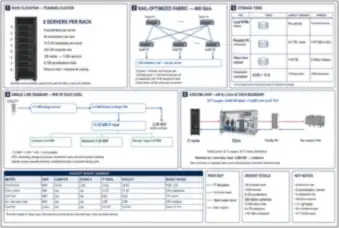
Coordinated rack and system views connect training and inference server arrangements with networking, storage, power and cooling.
View drawing →Transceivers, fiber patch panels, physical network links and storage equipment.
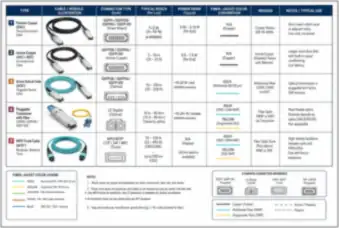
Physical cable and transceiver examples compare copper, active optical cables and pluggable optics with connector and reach notes.
View drawing →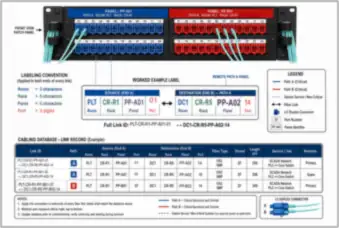
A fiber patch panel view shows segregated paths, port identifiers and matching labels at both ends of a worked connection.
View drawing →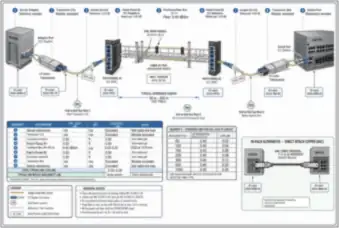
A physical server-to-switch connection traces optical modules, fiber patch cords and patch panels along a labeled link.
View drawing →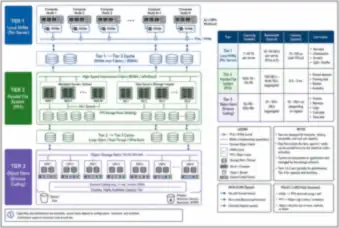
Equipment views connect local server NVMe drives with parallel-file-system servers and object-storage infrastructure.
View drawing →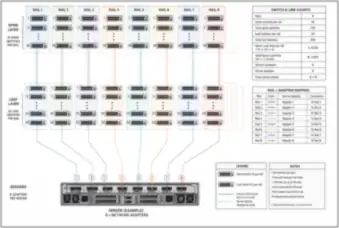
Rack and switch layouts trace the network rails connecting server adapters with leaf and spine equipment.
View drawing →Busway tap-offs, rack power chains and electrical protection boundaries.
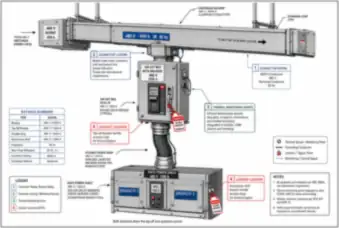
A busway and tap-off detail follows the connection to rack distribution and identifies branches sharing a common upstream source.
View drawing →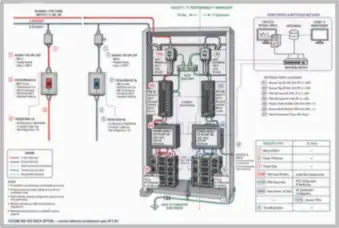
A rack cutaway locates power shelves, conversion equipment, protection, metering and bonding in an illustrative DC power chain.
View drawing →Cold plates, coolant distribution units, containment, immersion tanks and heat rejection equipment.
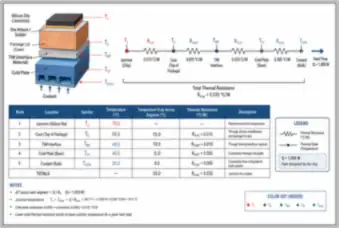
A chip and cold-plate cross-section follows the thermal path from the silicon junction through interface layers to the coolant.
View drawing →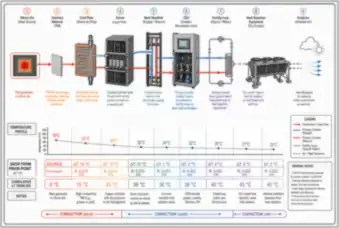
Physical equipment views follow heat from the chip and cold plate through cooling circuits to outdoor heat rejection.
View drawing →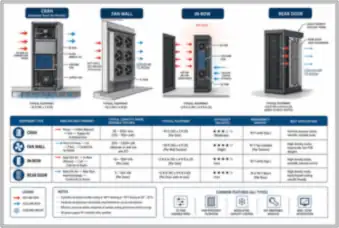
Cooling-unit cutaways compare CRAH units, fan walls, in-row units and rear-door heat exchangers with their airflow paths.
View drawing →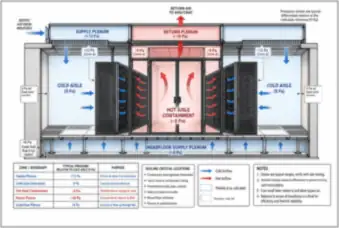
A data hall cross-section identifies racks, containment, supply and return plenums, airflow and pressure boundaries.
View drawing →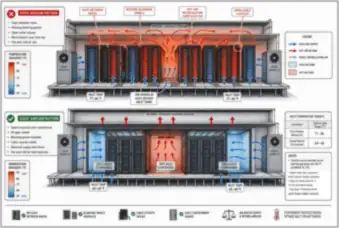
Paired room views show how blanking panels, sealed cable openings and containment prevent hot-air recirculation around racks.
View drawing →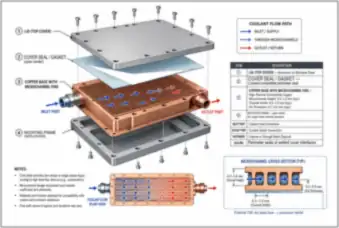
An exploded cold plate identifies its cover, perimeter seal, copper microchannels and open-center mounting frame.
View drawing →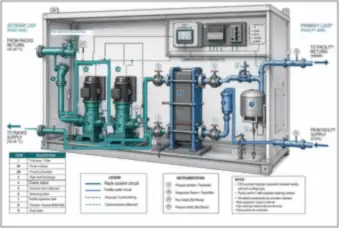
A coolant distribution unit cutaway identifies redundant pumps, headers, heat exchanger, valves, instrumentation and controls.
View drawing →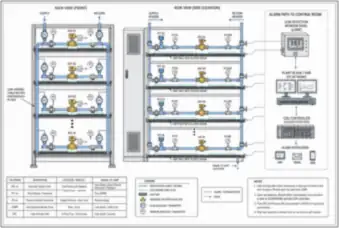
Rack and row views locate leak-sensing cable, drip trays, flow sensors and automatic coolant isolation valves.
View drawing →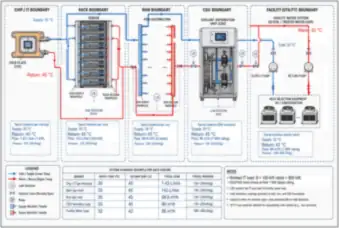
A complete cooling arrangement connects racks, cold plates, the CDU and heat-rejection equipment while separating the coolant circuits.
View drawing →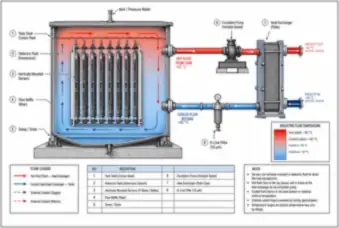
An immersion tank cutaway shows submerged servers, dielectric-fluid circulation and an isolated facility-water heat exchanger.
View drawing →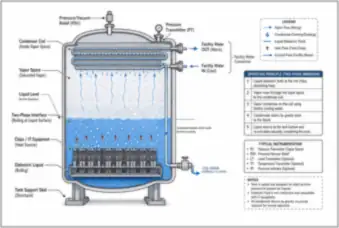
A sealed immersion tank cutaway shows boiling dielectric fluid, the condenser coil and the internal condensate return path.
View drawing →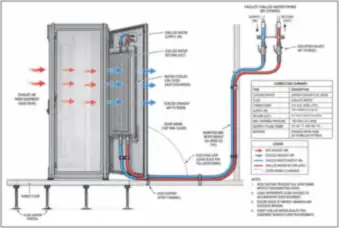
A rack side view shows a rear-door heat exchanger, coolant connections and the airflow carrying heat away from the servers.
View drawing →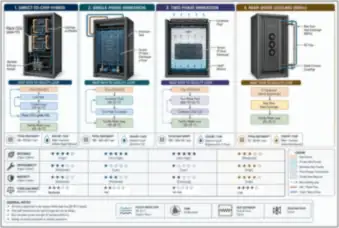
Rack and tank views compare direct-to-chip, single-phase immersion, two-phase immersion and rear-door cooling equipment.
View drawing →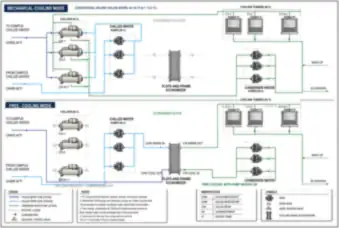
A plant piping schematic locates chillers, pumps, cooling towers and an economizer for mechanical and free-cooling operation.
View drawing →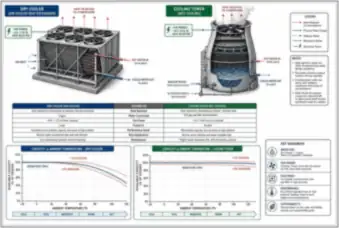
Equipment cutaways compare a dry cooler with an evaporative cooling tower and show their different heat-rejection paths.
View drawing →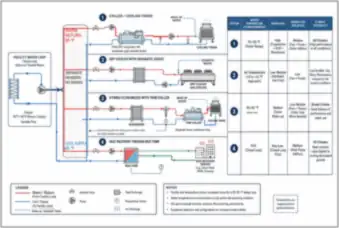
Equipment arrangements compare dry cooling, mechanical chilling, economizer operation and heat recovery at the facility loop.
View drawing →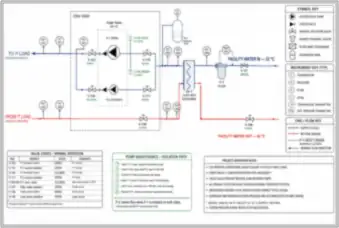
A CDU piping schematic identifies pumps, valves, sensors, an expansion tank and the exchanger separating IT coolant from facility water.
View drawing →Monitoring hardware, sensors, commissioning, fire protection and physical security.
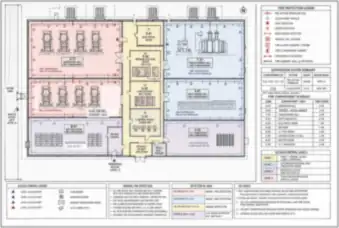
A supporting power-building plan locates equipment rooms, fire compartments, detection, suppression and access-control zones.
View drawing →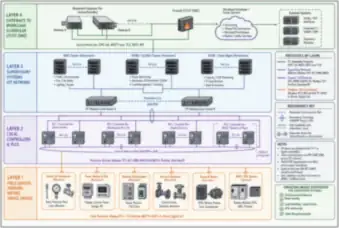
Physical monitoring and control equipment connects the building management system with electrical power monitoring and facility services.
View drawing →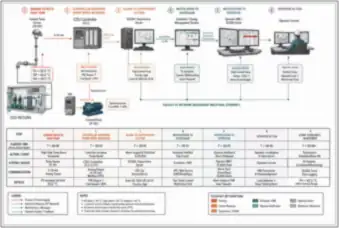
A coolant-temperature event is traced through the sensor, controller, pump response, supervisory alarm and operator interface.
View drawing →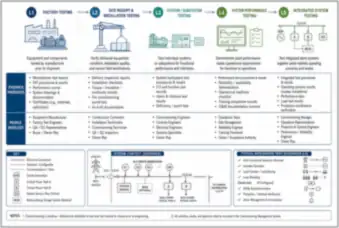
Equipment-focused commissioning stages progress from factory checks and installation to startup, system testing and integrated operation.
View drawing →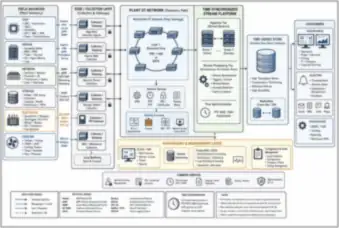
A telemetry overview identifies chip, server, network, storage, power and cooling sensors and their collection hardware.
View drawing →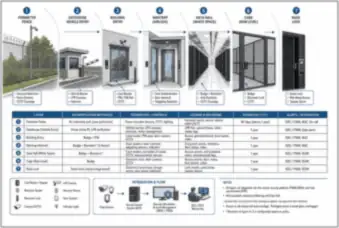
Physical security views show the perimeter fence, gatehouse, building entrance, mantrap, data hall, cage and rack lock.
View drawing →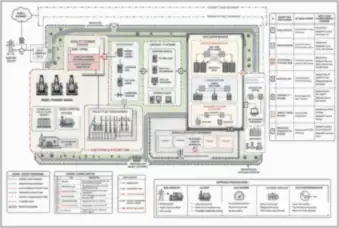
A facility layout relates physical access zones to compute, storage, management, corporate and operational-technology boundaries.
View drawing →These selected cutaways, exploded assemblies, installation details and facility plans connect AI infrastructure concepts to physical equipment. Follow the hardware from accelerator packages and servers to rack services, cooling plants and the campus around them.
Browse server and rack assemblies, optical cabling and storage, rack power distribution, cold plates and coolant distribution units, immersion and air cooling, data hall layouts, monitoring, fire protection and physical security.
Choose a subject, then open a drawing for its description and full-size viewer. Thumbnails show the composition; use the unlocked image to inspect labels and fine lines. Full-size drawings preserve the original detail so you can inspect labels and fine lines.
Labeled reference illustrations. Browse server and rack assemblies, optical cabling and storage, rack power distribution, cold plates and coolant distribution units, immersion and air cooling, data hall layouts, monitoring, fire protection and physical security.
Thumbnails are free to browse. Your All-Access Pass unlocks the full-size drawings.
Yes. The gallery is designed for desktop computers, phones and tablets.
No. These are educational reference illustrations, not construction documents or verified project designs. Confirm calculations, dimensions, member selections and code requirements with an appropriately qualified professional before real work.
Educational reference only. Illustrations are conceptual and may simplify real construction. They do not certify calculations or replace project documents, applicable standards or professional review.