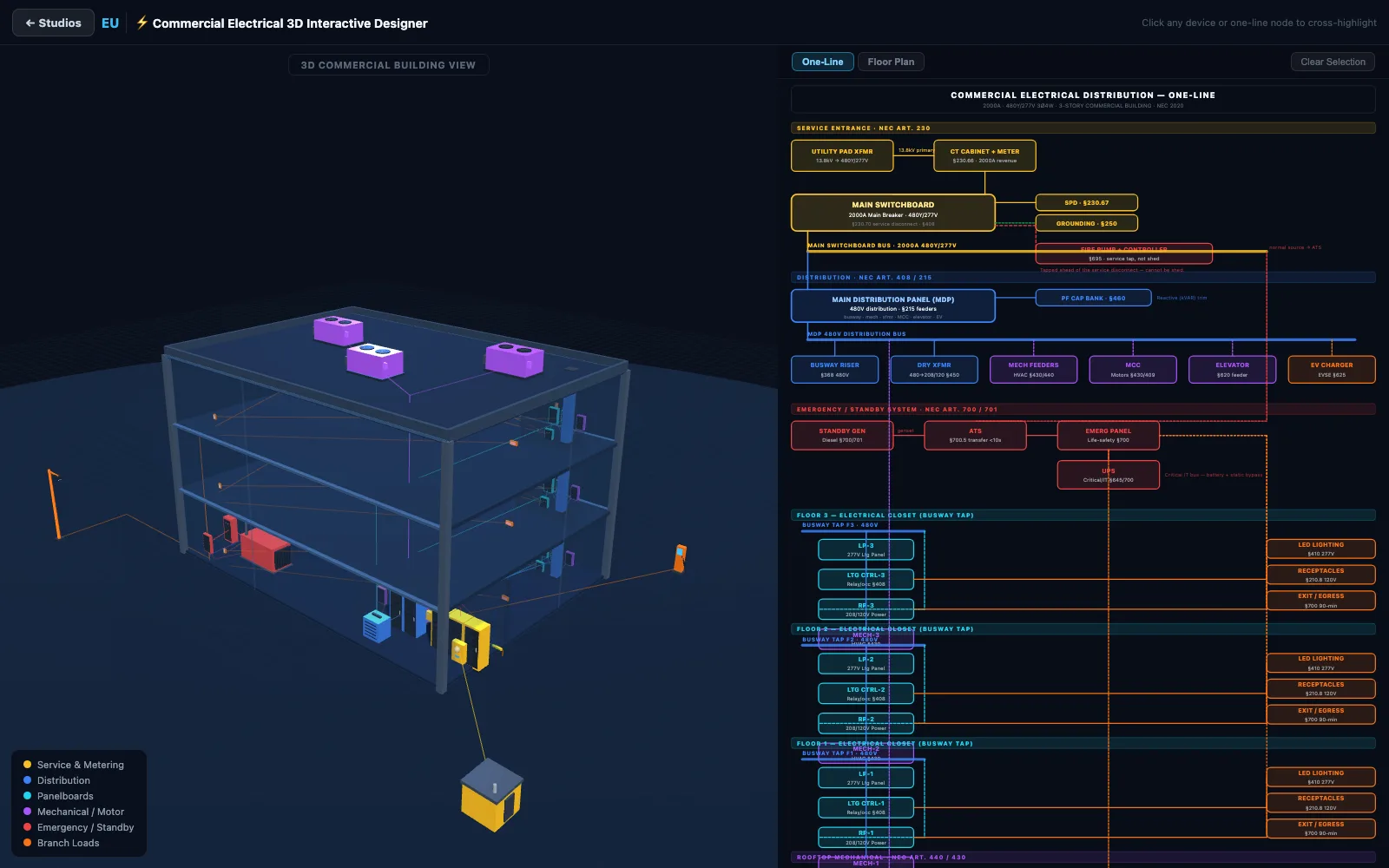
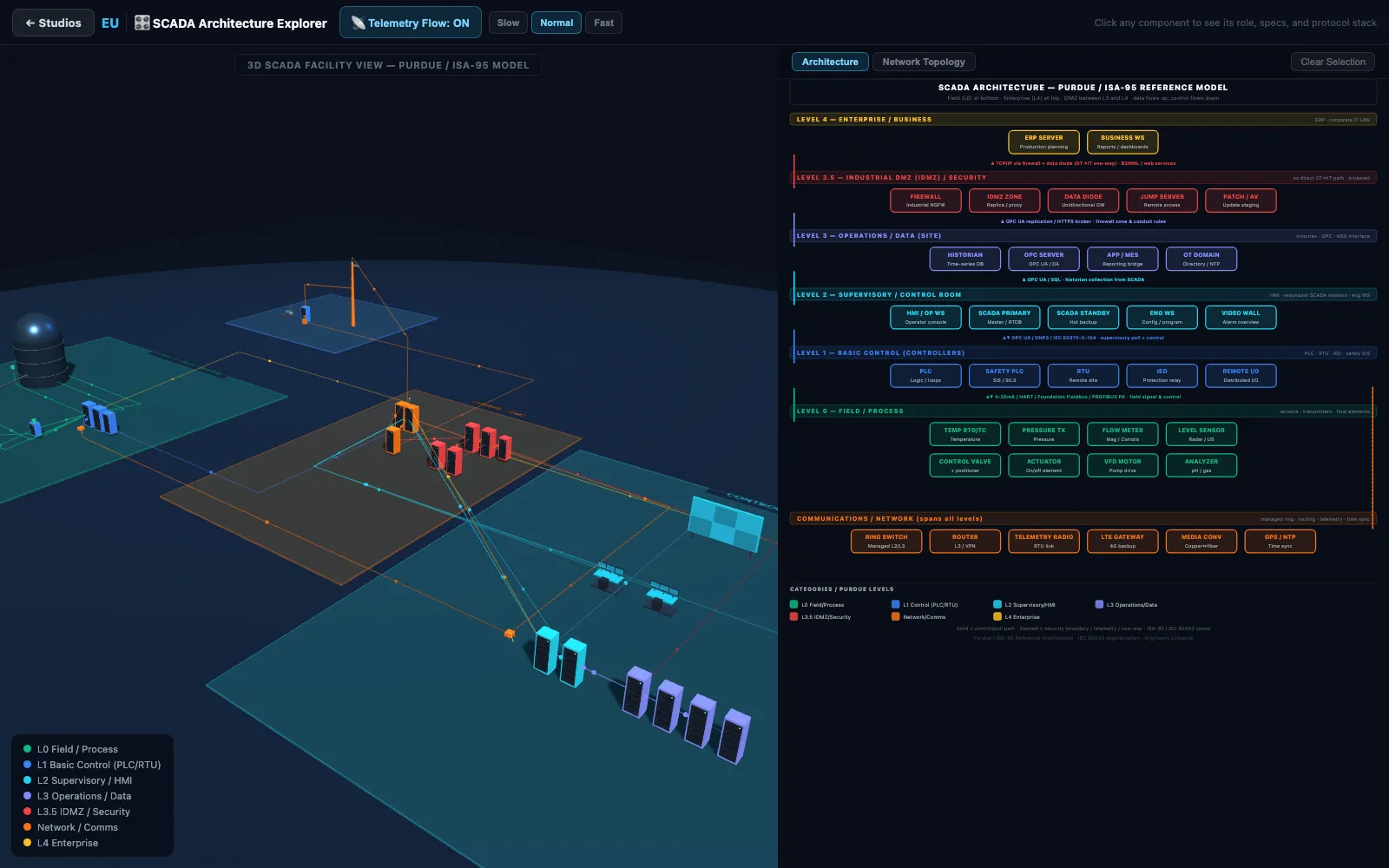
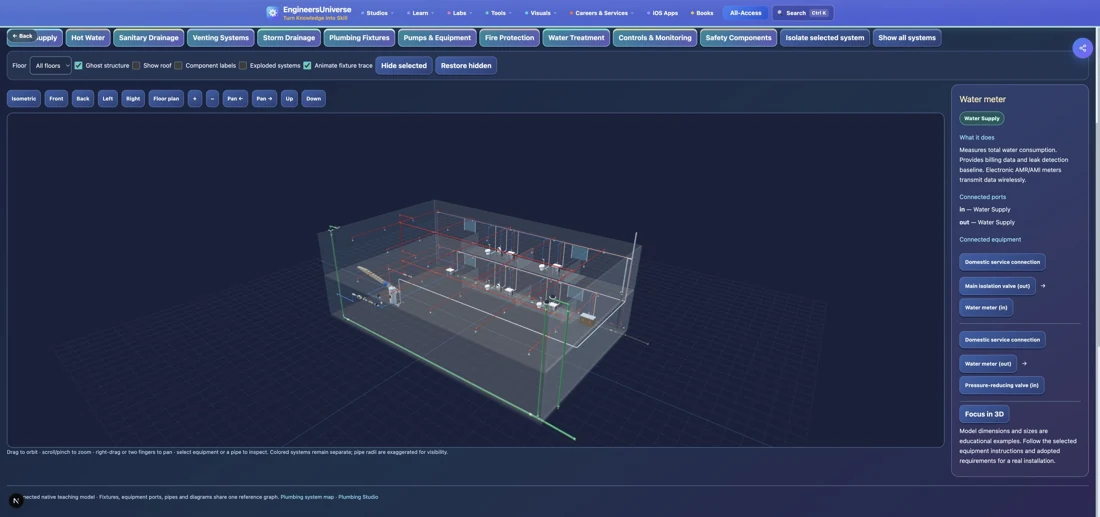
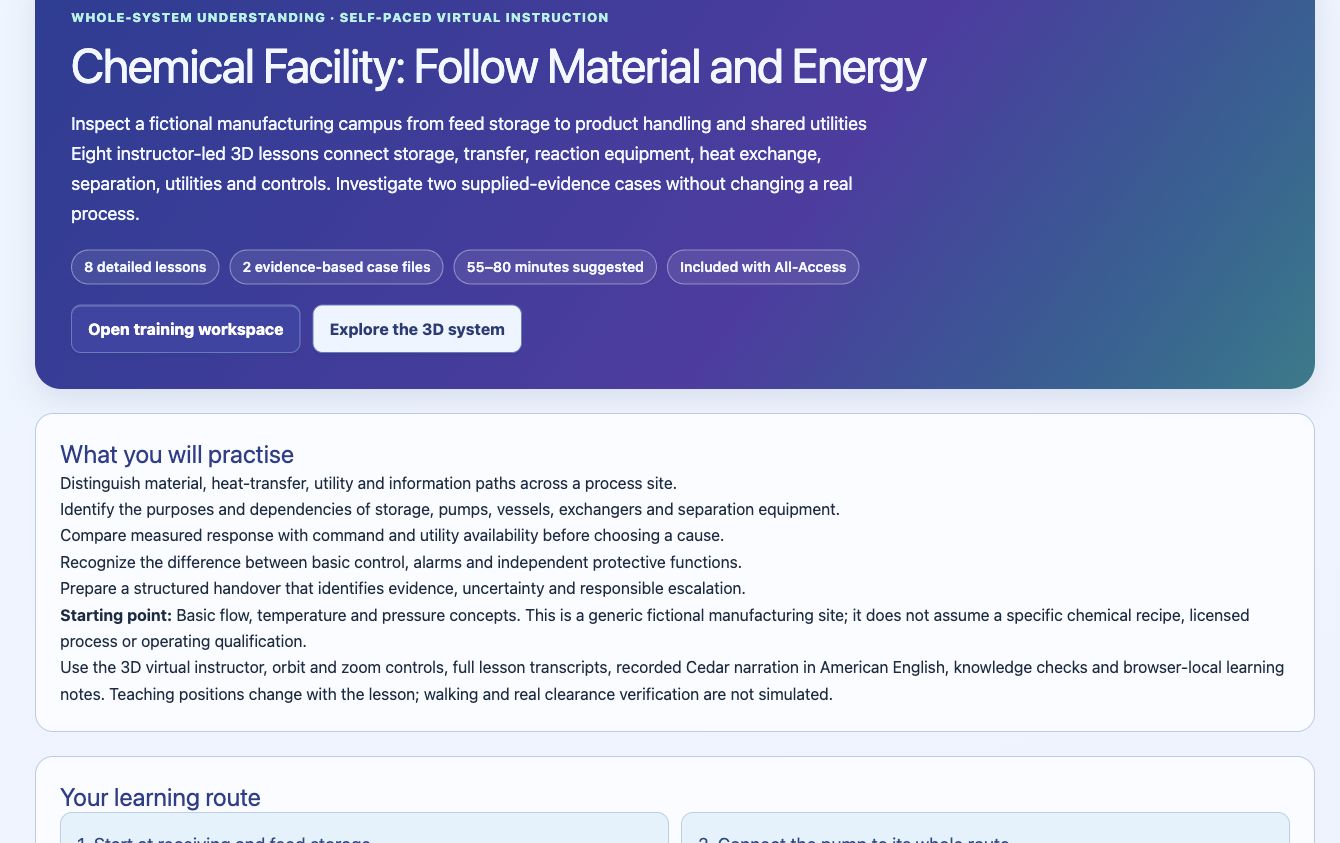
Step inside an engineering system with a virtual instructor. Start a continuous narrated walkthrough: follow the instructor between subsystem teaching locations, hear each explanation on arrival with the named components labeled in 3D, and practise making decisions from evidence.
Self-paced · 3D virtual instructorCedar voice narration & transcriptsIncluded with All-Access
Learn beside the equipment
Start with the 3D view and a compact lesson companion. Your 3D instructor moves between teaching stops and uses natural head movements, open-hand gestures and equipment-directed pointing during narration. Orbit, zoom or inspect independently whenever you need.
Check what you understand
A visible six- or eight-step route continues automatically in walkthrough mode. Separate short questions connect the explanation to the plant. Get feedback, revisit a stop and resume your progress in this browser.
Investigate a realistic situation
Gather evidence and compare competing explanations. Water treatment includes simulated inspection missions; the other modules use clearly labeled case records and responsible handover decisions.
Choose a system to understand
Nine systems connect equipment, normal operation, maintenance observations and evidence-based troubleshooting. Start with your field or compare how different systems depend on power, controls and trustworthy measurements.
Included with All-Access
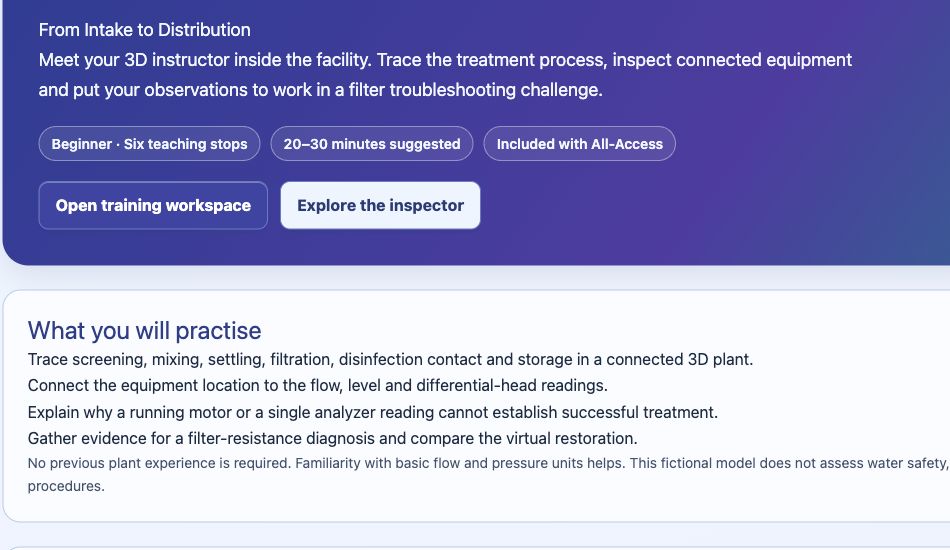
Water Treatment: Follow a Drop
Start with a narrated drinking-water plant overview, then follow six close-up 3D lessons with component labels, a system diagram and a filter troubleshooting challenge.
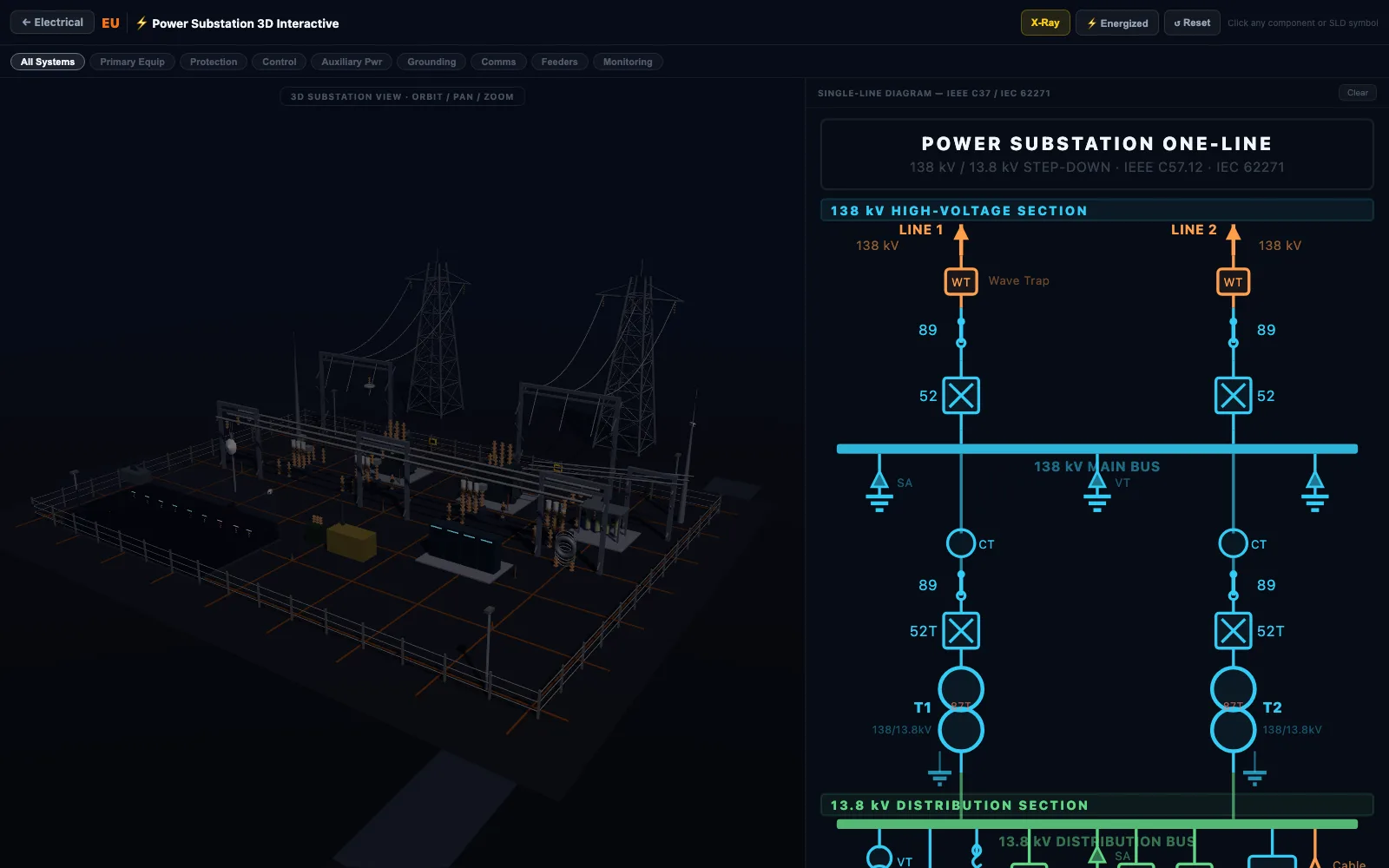
Explore a substation with a narrated system overview, eight close-up 3D lessons, a power-and-control diagram and two evidence-based troubleshooting cases.
Foundation to intermediate · 45–65 minutes suggested · 8 teaching stops · 2 troubleshooting case files
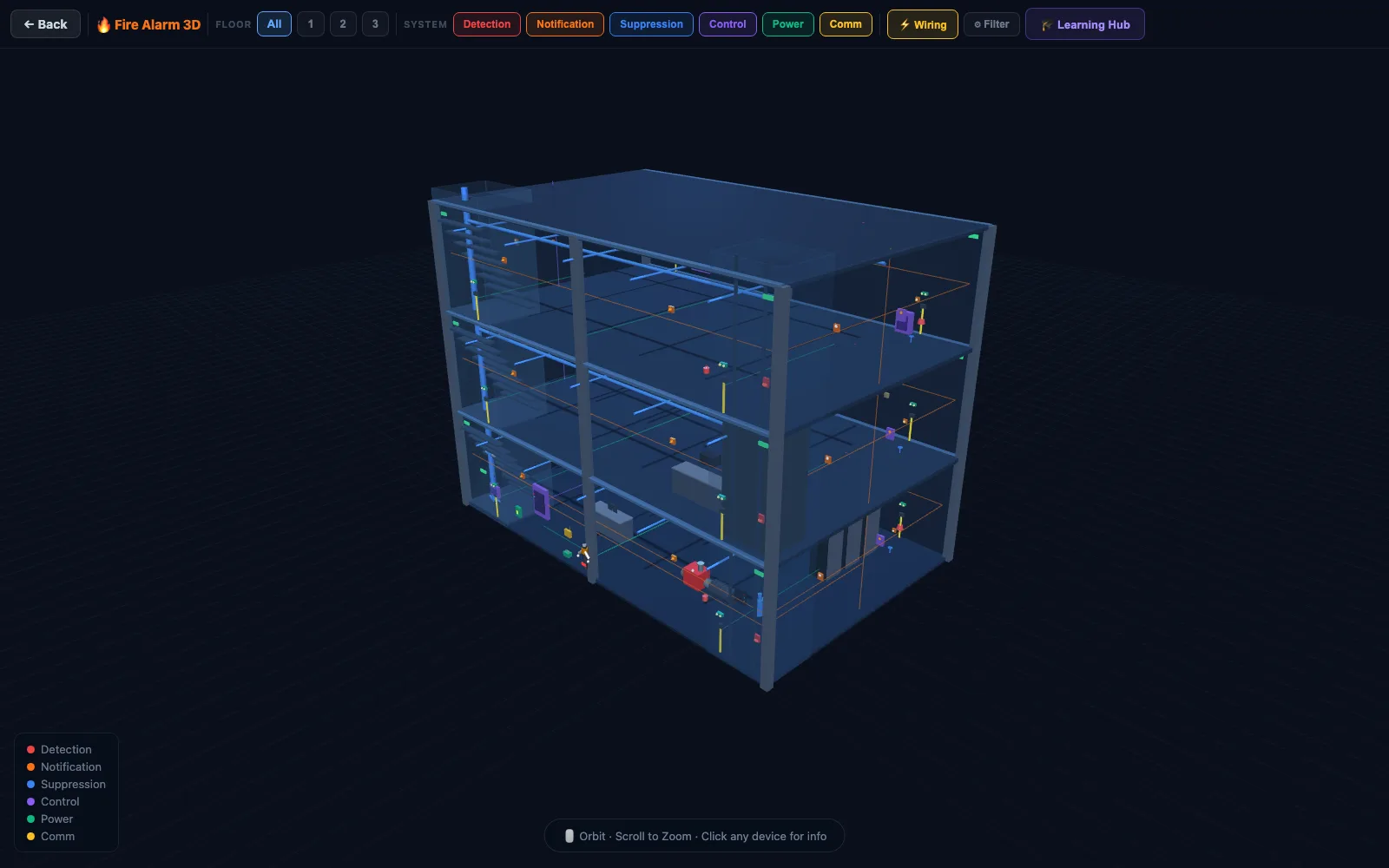
Trace fire alarm inputs, panel logic and responses with a narrated system overview, eight close-up 3D lessons, a system diagram and two troubleshooting cases.
Foundation to intermediate · 45–65 minutes suggested · 8 teaching stops · 2 troubleshooting case files
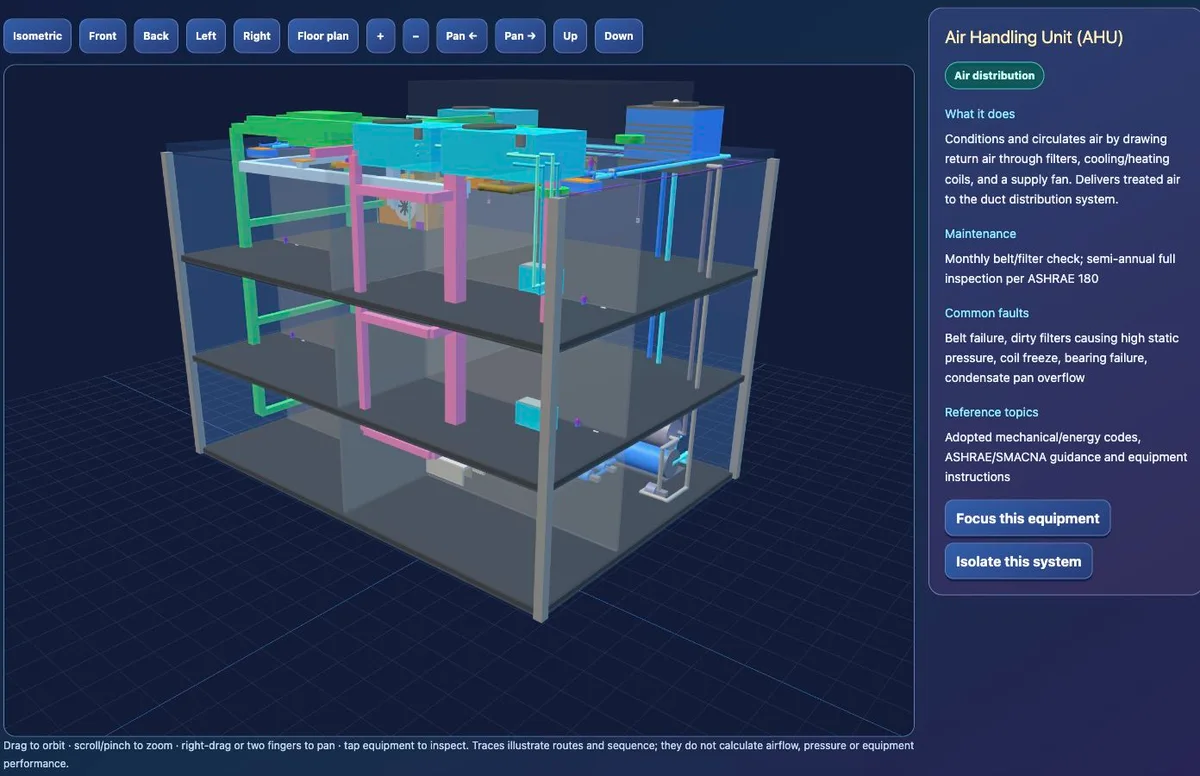
Follow air, water, heat and controls with a narrated HVAC overview, eight close-up 3D lessons, a connected-system diagram and two troubleshooting cases.
Foundation to intermediate · 45–65 minutes suggested · 8 teaching stops · 2 troubleshooting case files
Trace field signals, controllers and supervisory systems with a narrated overview, eight close-up 3D lessons, a system diagram and two troubleshooting cases.
Foundation to intermediate · 50–70 minutes suggested · 8 teaching stops · 2 troubleshooting case files
Trace commercial water, circulation, drainage and vent paths with a narrated overview, eight close-up 3D lessons, a system diagram and two troubleshooting cases.
Foundation to intermediate · 50–70 minutes suggested · 8 teaching stops · 2 troubleshooting case files
Tour a fictional chemical facility with a narrated system overview, eight close-up 3D lessons, a process diagram and two evidence-based troubleshooting cases.
Foundation to intermediate · 55–80 minutes suggested · 8 teaching stops · 2 troubleshooting case files
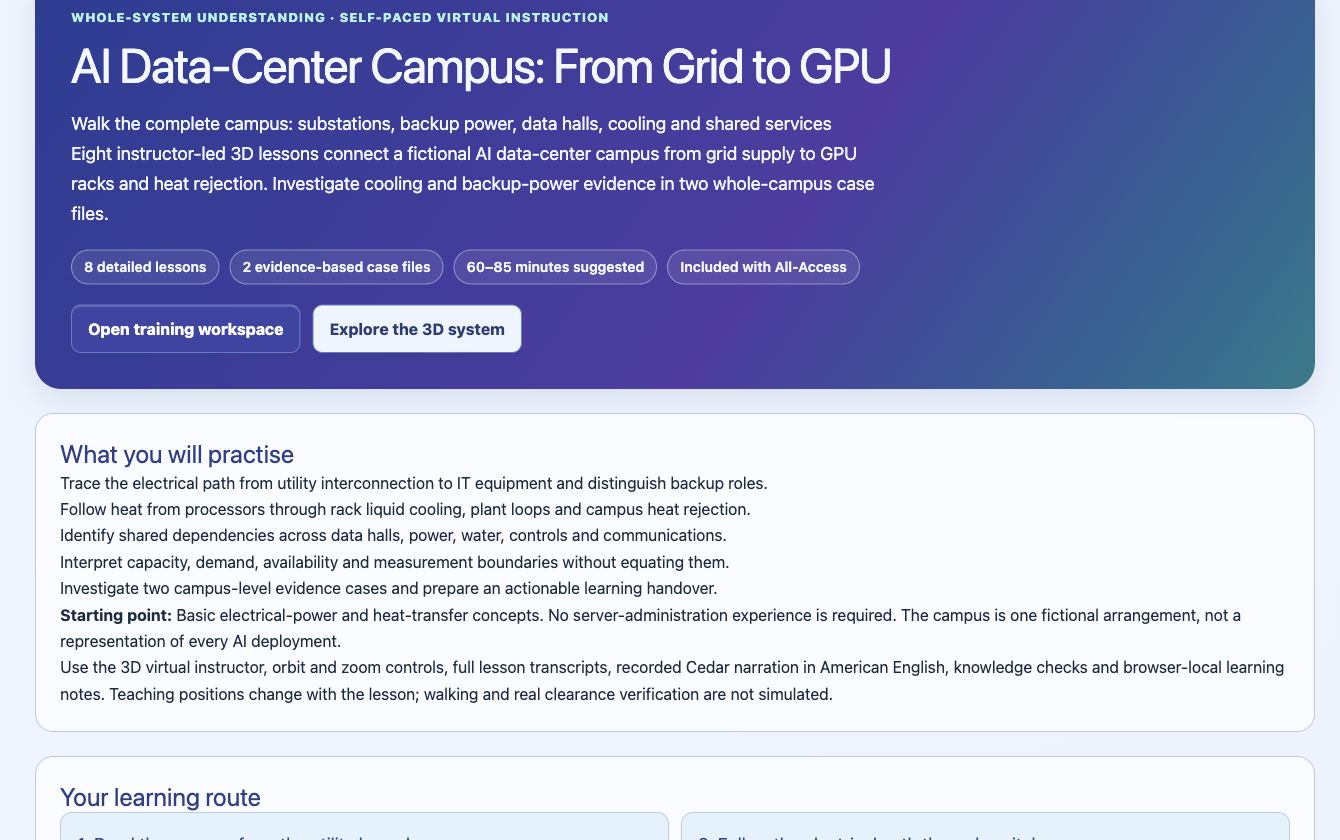
Explore campus power, cooling and computing with a narrated system overview, eight close-up 3D lessons, a system diagram and two troubleshooting cases.
Foundation to intermediate · 60–85 minutes suggested · 8 teaching stops · 2 troubleshooting case files
These modules are self-paced lessons led by an animated 3D virtual instructor using scripted explanations. They are not live classes, human tutoring or an open-ended AI chat. Every module offers recorded Cedar narration in clear American English. Alex is an AI-generated virtual technical training guide. Press Play to listen; full transcripts and equipment descriptions remain available.
The public course overview is free to browse. Full training, the 3D instructor, knowledge checks and inspection missions are included with All-Access. No separate software installation or VR headset is required.
Models are educational representations. Training completion is a practice milestone, not a professional qualification or authorization to operate real equipment.